
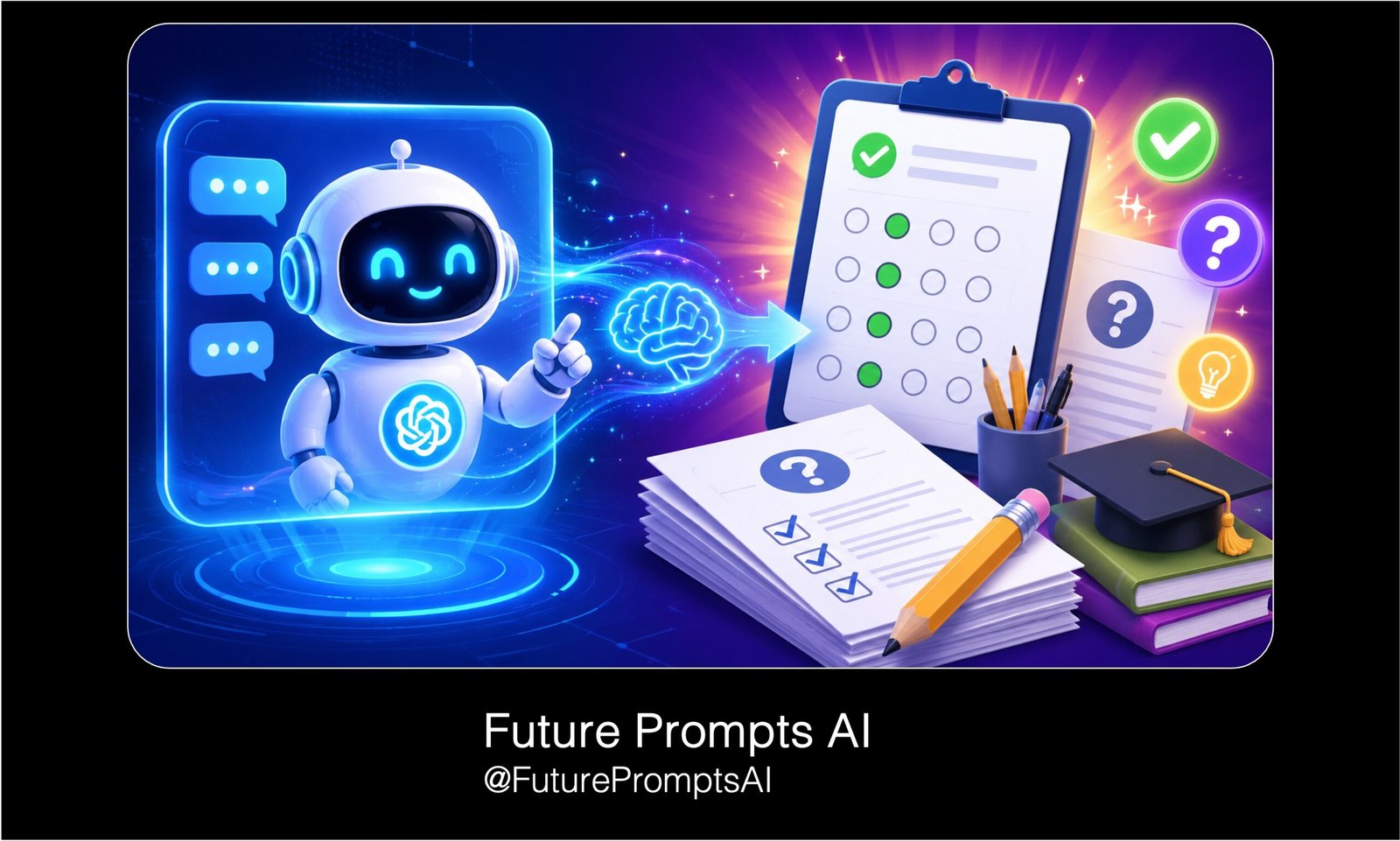
10 ChatGPT Prompts for Generating Quiz and Exam Questions
A ready-to-use collection of detailed ChatGPT prompts for teachers, tutors, students, coaches, and content creators who want to generate high-quality quiz and exam questions quickly.
What This Prompt Does
- Helps users create MCQs, short answers, full exam papers, true/false questions, fill-in-the-blanks, case-based questions, and revision quizzes.
- Saves time by giving editable prompt templates with placeholders for subject, grade level, difficulty, number of questions, and question type.
Tips for This Prompt
- Replace every placeholder like [Insert subject], [Insert topic], and [Insert grade] before using the prompt.
- For better results, paste your lesson notes, textbook content, or syllabus into the prompt so ChatGPT creates more accurate questions.
How to Use the Prompt
- Copy one prompt, paste it into ChatGPT, and customize the bracketed sections according to your topic or exam needs.
- Review the generated questions and edit them based on your classroom, student level, or exam format.
10 Editable ChatGPT Prompts for Generating Quiz and Exam Questions
1. Chapter-Based Quiz Generator Prompt
Act as an expert teacher and assessment creator.
Create a quiz based on the following chapter or topic:
Subject: [Insert subject]
Chapter/Topic: [Insert chapter or topic name]
Grade/Class Level: [Insert grade level]
Student Level: [Beginner / Intermediate / Advanced]
Number of Questions: [Insert number]
Question Types: [Multiple choice / True or False / Short answer / Fill in the blanks / Mixed]
Difficulty Level: [Easy / Medium / Hard / Mixed]Requirements:
– Cover the most important concepts from the topic.
– Avoid repeating the same idea in multiple questions.
– Make the questions clear and suitable for the given grade level.
– Include the correct answer after each question.
– For multiple-choice questions, provide 4 answer options: A, B, C, and D.
– Mark the correct option clearly.
– Add a short explanation for each answer so students can learn from mistakes.Output format:
1. Question
2. Options, if needed
3. Correct Answer
4. Short Explanation
2. Multiple-Choice Exam Questions Prompt
Act as a professional exam paper setter.
Generate multiple-choice exam questions for the following topic:
Subject: [Insert subject]
Topic: [Insert topic]
Grade/Class: [Insert grade]
Exam Type: [School test / Board exam / College exam / Competitive exam]
Number of MCQs: [Insert number]
Difficulty: [Easy / Medium / Hard / Mixed]Instructions:
– Each question should test understanding, not just memorization.
– Provide 4 options for each question.
– Only one option should be correct.
– Make the wrong options realistic but clearly incorrect.
– Avoid confusing wording.
– Include an answer key at the end.
– Add a brief explanation for each correct answer.Output format:
Question 1:
A.
B.
C.
D.
Correct Answer:
Explanation:
3. Bloom’s Taxonomy Question Generator Prompt
Act as an experienced curriculum designer.
Create quiz or exam questions using Bloom’s Taxonomy for this topic:
Subject: [Insert subject]
Topic: [Insert topic]
Grade Level: [Insert grade]
Number of Questions: [Insert number]
Question Type: [Short answer / Long answer / MCQ / Mixed]
Difficulty Level: [Easy / Medium / Hard]Generate questions under these thinking levels:
– Remembering
– Understanding
– Applying
– Analyzing
– Evaluating
– CreatingInstructions:
– Make sure each question matches the correct Bloom’s Taxonomy level.
– Include at least [insert number] questions for each level.
– Use student-friendly language.
– Add the correct answer or ideal response for each question.
– For long-answer questions, include key points students should mention.
– Include marks for each question.Output format:
Bloom’s Level:
Question:
Marks:
Expected Answer:
4. Full Exam Paper Generator Prompt
Act as a school exam paper creator.
Create a complete exam paper using the details below:
Subject: [Insert subject]
Class/Grade: [Insert grade]
Topic/Chapters Covered: [Insert topics or chapters]
Total Marks: [Insert marks]
Exam Duration: [Insert time]
Difficulty Level: [Easy / Medium / Hard / Mixed]
Question Types Needed: [MCQs, short answers, long answers, case-based questions, fill in the blanks]Instructions:
– Divide the paper into clear sections.
– Mention marks for each question.
– Make sure the total marks equal [insert total marks].
– Include a balanced mix of easy, medium, and challenging questions.
– Cover all listed topics fairly.
– Use clear exam-style language.
– Add instructions for students at the beginning.
– After the exam paper, provide a complete answer key.Output format:
Exam Title:
General Instructions:
Section A:
Section B:
Section C:
Answer Key:
Marking Scheme:
5. Fill-in-the-Blanks Quiz Prompt
Act as a teacher creating practice questions for students.
Generate fill-in-the-blanks questions for the following lesson:
Subject: [Insert subject]
Topic: [Insert topic]
Grade Level: [Insert grade]
Number of Questions: [Insert number]
Difficulty: [Easy / Medium / Hard]Instructions:
– Each question should focus on an important term, fact, formula, definition, or concept.
– Leave only one blank per question.
– Make the sentence meaningful and easy to understand.
– Do not make the blank too obvious.
– Provide the correct answer after each question.
– Add a word bank if I request it.
– Include a final answer key at the end.Output format:
1. Question with blank:
Answer:
Explanation, if needed:
6. True or False Quiz Prompt
Act as an expert subject teacher.
Create true or false questions for this topic:
Subject: [Insert subject]
Topic: [Insert topic]
Grade/Class: [Insert grade]
Number of Questions: [Insert number]
Difficulty Level: [Easy / Medium / Hard / Mixed]Instructions:
– Include a mix of true and false statements.
– Do not make all false answers obvious.
– Use clear and simple language.
– Each statement should test an important concept.
– After each question, provide the correct answer.
– If the statement is false, explain why it is false and provide the corrected statement.
– Include an answer key at the end.Output format:
Statement:
Answer: True/False
Explanation:
Corrected Statement, if false:
7. Short Answer Questions Prompt
Act as a teacher preparing students for written exams.
Generate short answer questions using the details below:
Subject: [Insert subject]
Topic: [Insert topic]
Grade Level: [Insert grade]
Number of Questions: [Insert number]
Marks per Question: [Insert marks]
Difficulty: [Easy / Medium / Hard / Mixed]Instructions:
– Questions should require 2 to 5 sentence answers.
– Avoid one-word answer questions.
– Focus on definitions, explanations, comparisons, causes, effects, and examples.
– Include the ideal answer for each question.
– Add important keywords students should include in their answers.
– Mention common mistakes students should avoid where useful.Output format:
Question:
Marks:
Ideal Answer:
Important Keywords:
Common Mistake to Avoid:
8. Case-Based Exam Question Prompt
Act as an exam question designer.
Create case-based questions for the following subject and topic:
Subject: [Insert subject]
Topic: [Insert topic]
Grade/Class Level: [Insert grade]
Number of Case Studies: [Insert number]
Questions per Case Study: [Insert number]
Difficulty Level: [Medium / Hard / Mixed]Instructions:
– Write a short case study, passage, scenario, or real-life situation.
– The case should connect clearly to the topic.
– After each case, create questions that test understanding, application, and analysis.
– Include a mix of MCQs, short answers, and reasoning questions.
– Provide the correct answers and explanations.
– Keep the case study age-appropriate and realistic.Output format:
Case Study:
Question 1:
Question 2:
Question 3:
Answers:
Explanations:
9. Revision Quiz From Notes Prompt
Act as a study coach and quiz creator.
Create a revision quiz from the notes I provide below.
Student Level: [Insert grade/class]
Subject: [Insert subject]
Quiz Length: [Insert number of questions]
Question Types: [MCQ / True or False / Fill in the blanks / Short answer / Mixed]
Difficulty: [Easy / Medium / Hard / Mixed]Here are my notes:
[Paste your notes here]Instructions:
– Use only the information from my notes.
– Do not add unrelated information.
– Turn the most important points into quiz questions.
– Include a mix of factual, conceptual, and application-based questions.
– Provide answers after each question.
– Add a final answer key.
– Highlight any weak areas or topics students should revise again.Output format:
Quiz Questions:
Answers:
Answer Key:
Topics to Revise Again:
10. Differentiated Quiz Prompt for Different Student Levels
Act as a professional teacher creating level-based assessments.
Create three versions of a quiz for the same topic:
Subject: [Insert subject]
Topic: [Insert topic]
Grade/Class: [Insert grade]
Number of Questions per Version: [Insert number]
Question Types: [MCQ / Short answer / Mixed]Create these versions:
1. Easy version for struggling students
2. Medium version for average students
3. Challenging version for advanced studentsInstructions:
– All three versions should cover the same main topic.
– Easy questions should use simple wording and direct concepts.
– Medium questions should test understanding and examples.
– Challenging questions should include analysis, reasoning, or application.
– Provide answers for all questions.
– Add short explanations for each answer.
– Include a teacher note explaining how each version can be used.Output format:
Easy Version:
Medium Version:
Challenging Version:
Answer Key:
Teacher Notes:


About author


Add comment